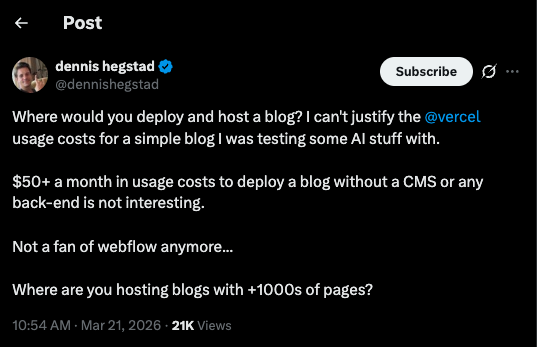
I wanted a dead simple way to put my projects and writing on the internet. I saw this tweet asking for recommendations, and based on the replies I went with Cloudflare Pages and Astro.
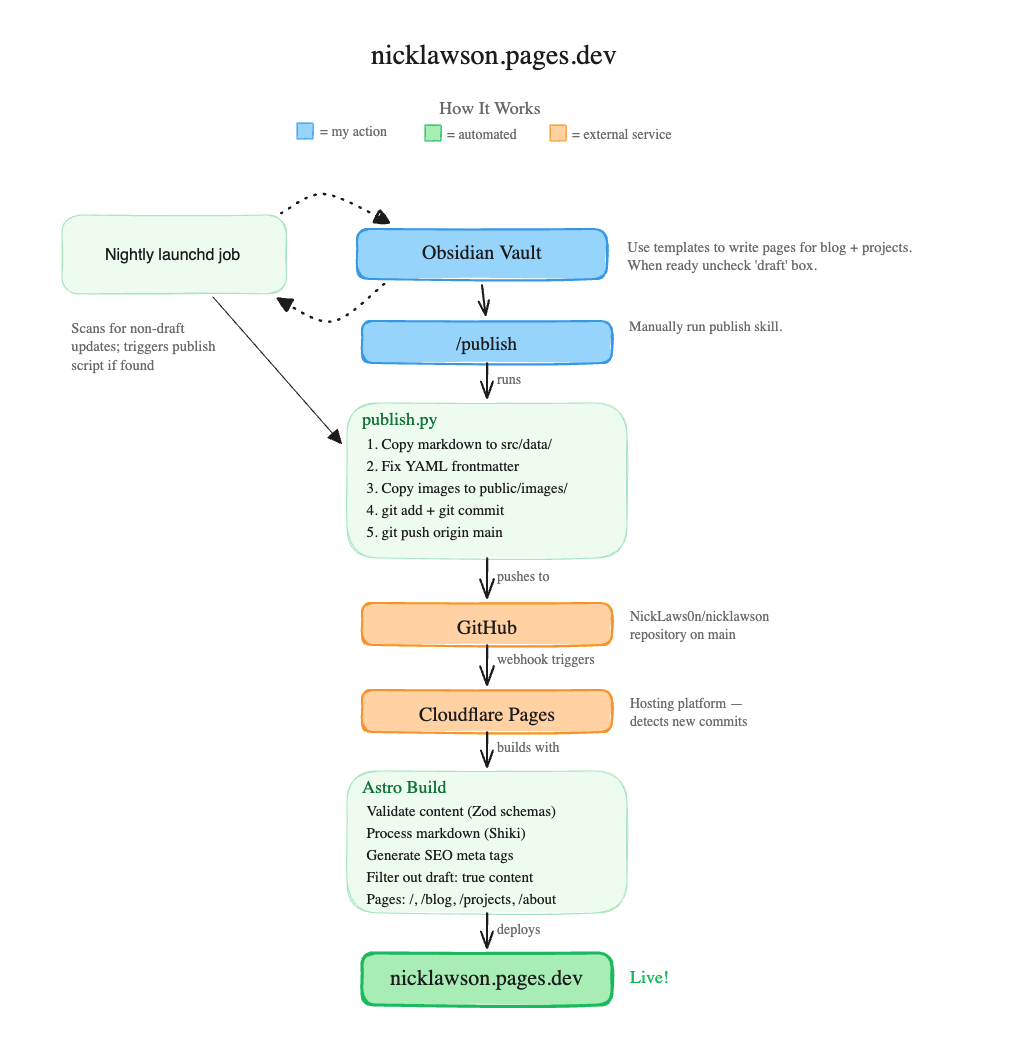
This is roughly how the whole system fits together:
Cloudflare Pages
Getting set up was pretty easy. I got a bit confused with Workers versus Pages at first, but you just need to make sure you’re clicking into Pages here:
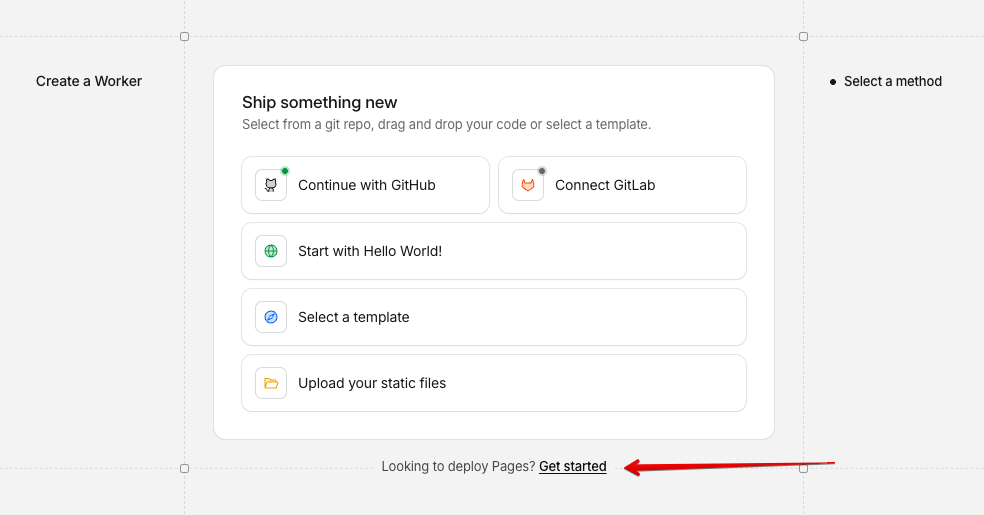
I connected a GitHub repo where I’d cloned Astro’s blog starter kit. This is also where you pick your project name, which matters because your URL ends up being your-project-name.pages.dev. Once the repo is connected Cloudflare watches for pushes to main and auto-deploys.
Writing in Obsidian
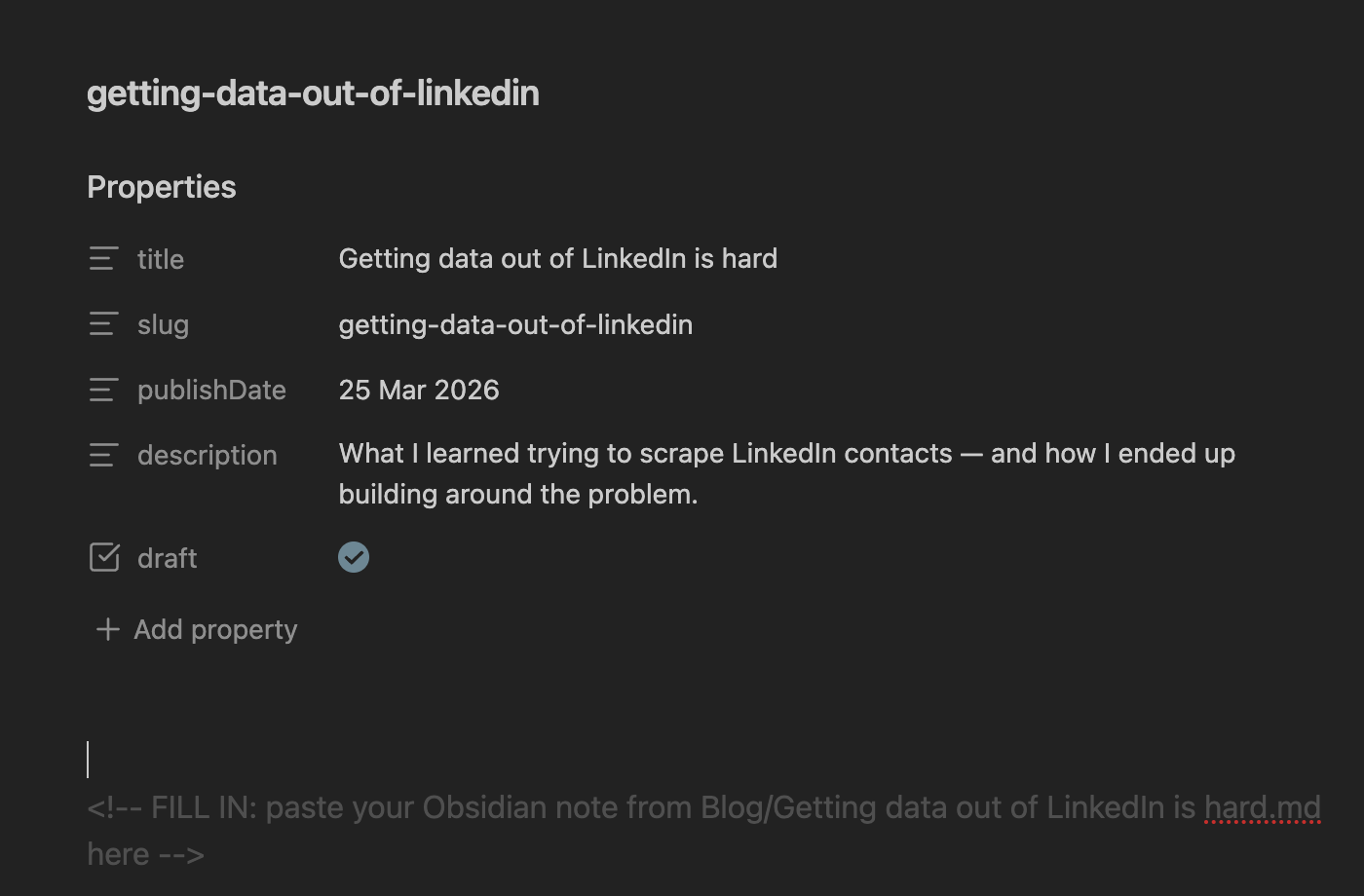
I didn’t have a great sense of where I’d actually do the writing and editing. After looking at a few options I landed on Obsidian. I have a folder called Website with two subfolders, blog and projects. I created templates for each, so anytime I want to add something new I open a note, apply the template, and start writing.
The templates come with a draft checkbox. As long as it’s checked Astro filters it out at build time, so nothing half-finished shows up on the live site. I can leave stuff in progress and not worry about it.
Publishing
When I’m ready for something to go live I have two options. I built a /publish skill in Claude Code that syncs the markdown from Obsidian into the repo, commits, and pushes. That’s for when I want something live right now.
I also set up a launchd agent (macOS’s built in scheduler) that runs at midnight. It runs the same sync, checks if anything changed in git, and pushes if so. My thinking was I can make small edits throughout the day and they’ll just go out overnight without me having to remember.
I’m sure there’s plenty of room for improvement but for now the whole thing just works, and that’s good enough for me.